Opulent Code
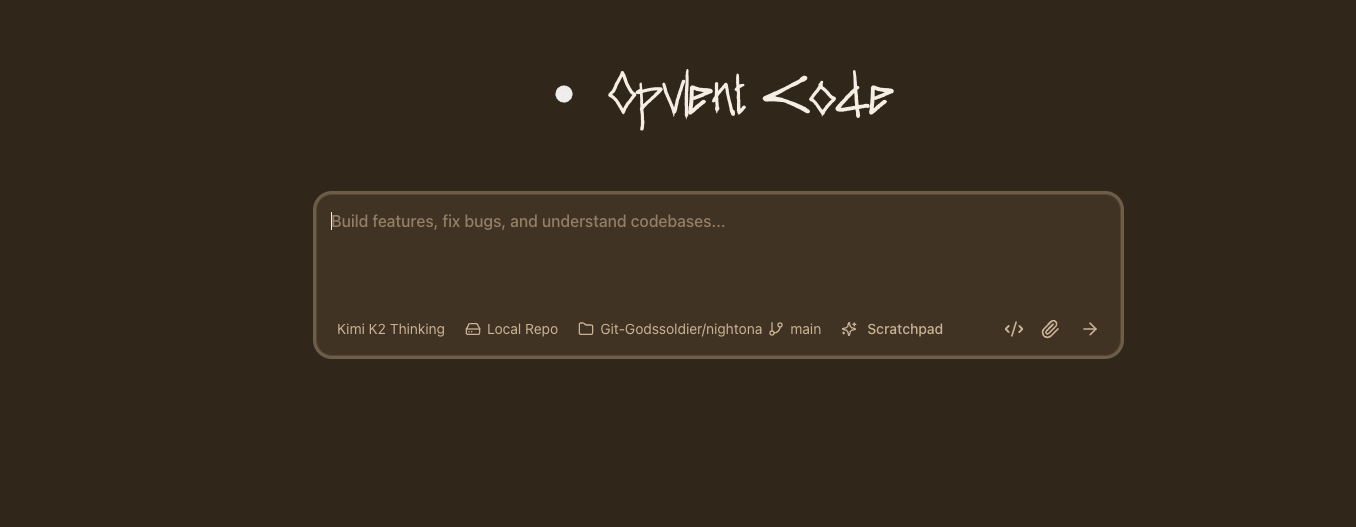
Frontier Coding Agent Environment
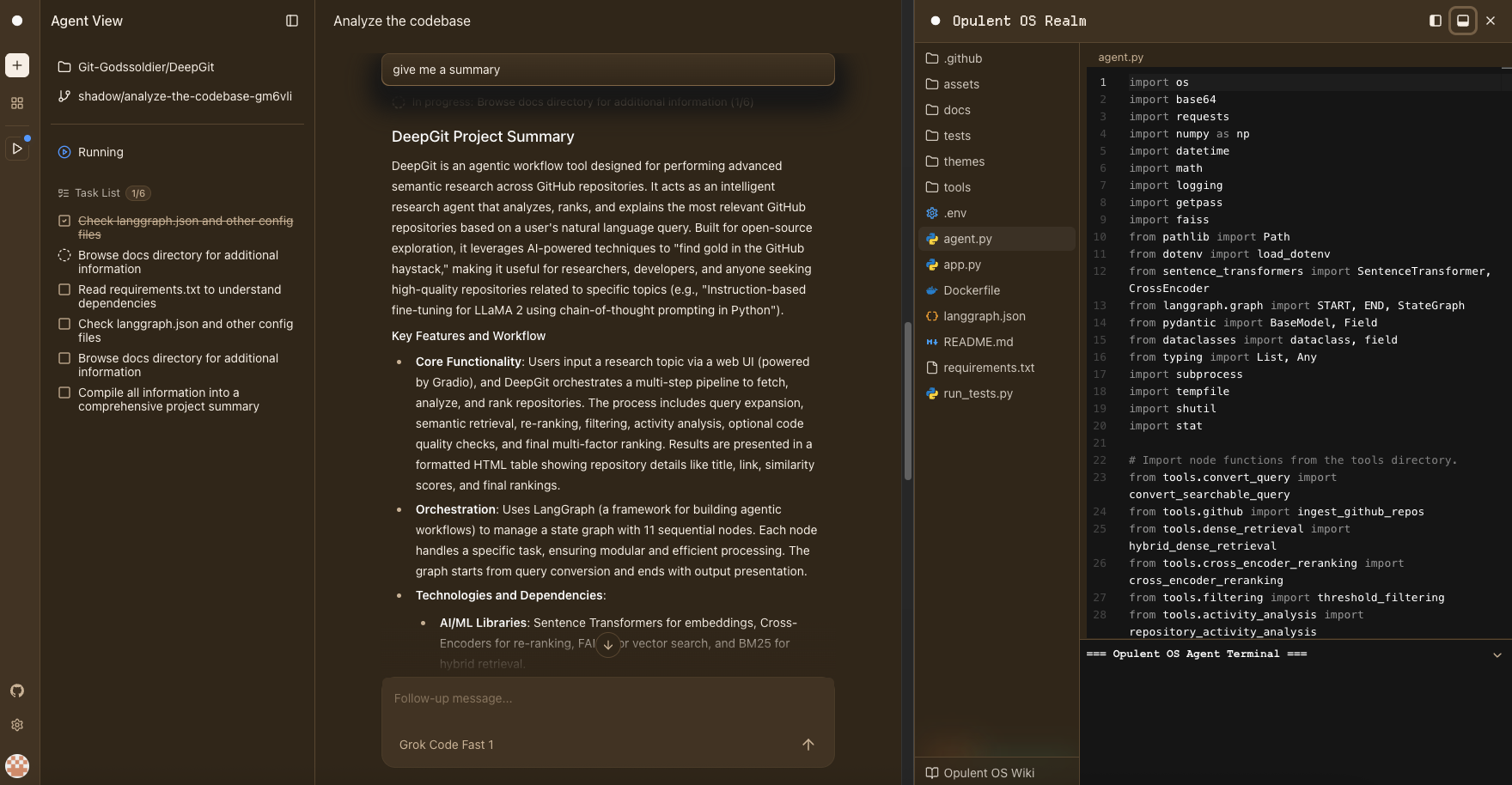
An AI engineer that works with your team
Powering thousands of daily code tasks
Autonomous execution
Write, run, and test code inside real workspaces with a live terminal, file explorer, and embedded Monaco editor.
Parallel task handling
Tackle many small tasks in parallel before they land in your backlog. Handle bugs and user requests simultaneously.
PR review & testing
Review PRs, write unit tests, reproduce bugs, and maintain documentation with full codebase context.
Trusted by teams
Built for ambitious engineering teams. Delegate tasks via the web UI, then take over in the embedded IDE when needed.
Get Started
Your practical guide to autonomous engineering.
Access the Platform
Go to code.opulentia.ai to access the autonomous engineering platform.
Connect Your Code
Sign in and install the GitHub App to grant Opulent Code access to your repositories.
Select Your Project
Choose the repository you want to work on from the dashboard.
Define the Task
Describe what to change, what 'done' looks like (tests, UI, logs), and any constraints.
Let Agent Execute
Opulent Code will write, run, and test code autonomously. Review diffs and deployments.
File & code operations
Read, edit, search-replace, and delete files with precise control. Create new files or modify existing ones with full context awareness.
Terminal & command execution
Run shell commands, install dependencies, execute tests, and build projects directly in sandboxed workspaces.
Semantic & grep search
Find code with regex patterns or AI-powered semantic understanding. Search for concepts like 'authentication logic' or exact string matches.
Memory & task management
Store repository insights, track multi-step tasks with todos, and maintain context across sessions for smarter assistance.
Latest updates
[Introducing Morph Cloud Environments]
Spin up isolated cloud development environments with full filesystem access, terminal, and code execution capabilities for autonomous AI workflows.
[File & Terminal Tools]
Read, edit, search-replace, and delete files. Run shell commands, install dependencies, execute tests, and manage your codebase autonomously.
[Semantic & Grep Search]
Find code with regex patterns or AI-powered semantic understanding. Search across files, symbols, and definitions with precision.
[Memory & Task Management]
Store repository insights, track multi-step tasks with todos, and maintain context across sessions for complex engineering workflows.
Start building with Opulent Code
Join ambitious engineering teams shipping faster with AI-powered software development.